


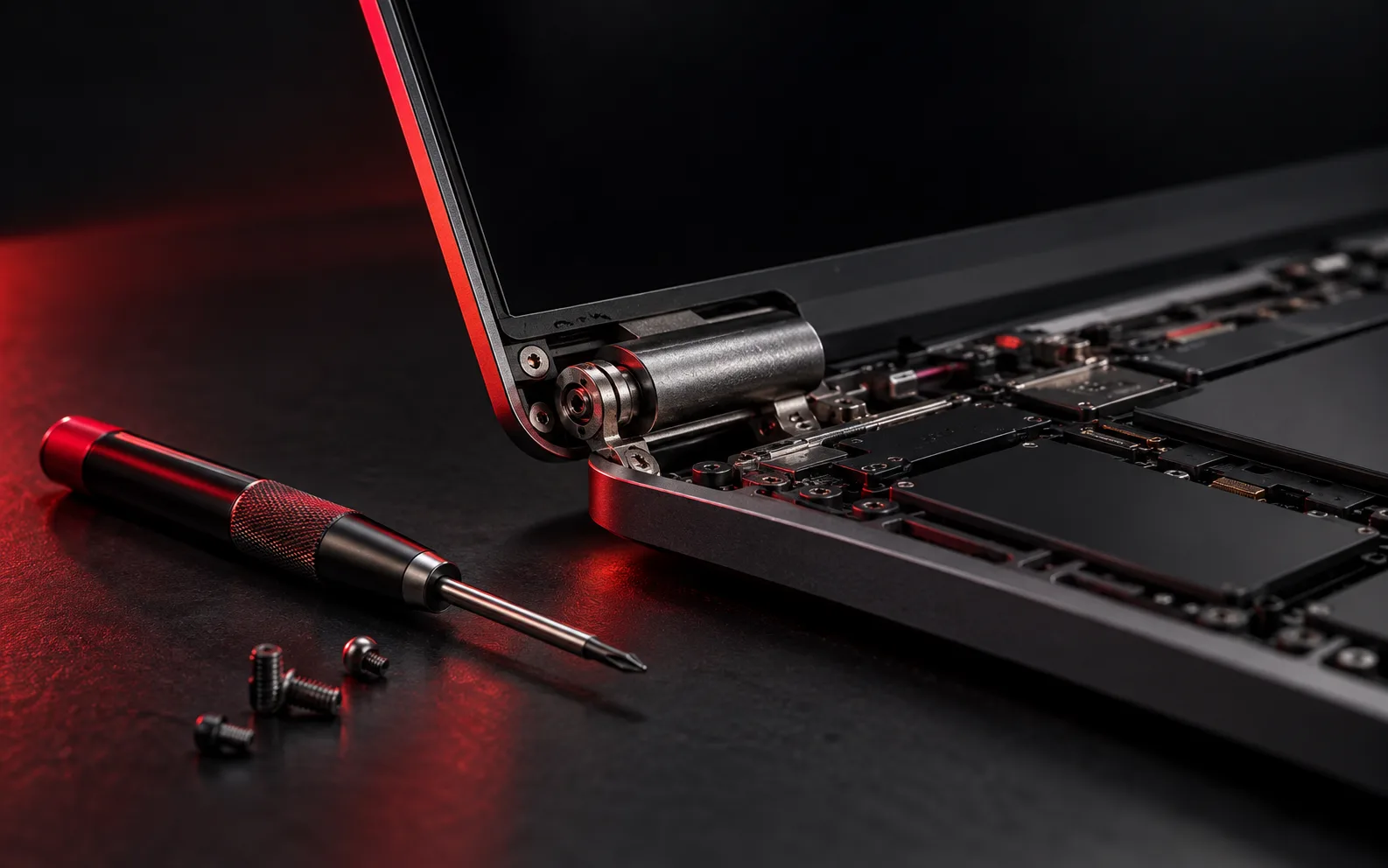
Inspect the surrounding damage
A stiff or loose hinge can involve more than the hinge itself. Cracked mounting points, separating housing or a damaged lid can change the repair scope. Watch for gaps in the case and unusual resistance. Do not force the display open or closed when movement is pulling the housing apart.
Protect connected components
The display assembly contains connections that can be affected by repeated movement. Flickering that changes with lid position should be mentioned during inspection. Keep the laptop in a stable position and avoid improvised glue repairs that may obstruct later service or hide damaged mounts.
Agree the complete repair
Provide the exact model and photographs of the visible damage. Ask whether the proposed work includes the hinge, mounting structure, cover or any affected cable. Parts availability and the condition of the surrounding chassis matter. A hinge replacement alone may not resolve a broken mounting point.
Validate before handover
- Check smooth lid movement without unusual force.
- Inspect alignment and case seams.
- Test the display, camera and other lid-mounted functions.
- Confirm what was replaced and how to handle the device if resistance returns.
Need help with your own device?
Describe the problem with the model, symptoms and checks already tried. For related help, explore computer service or remote support.