


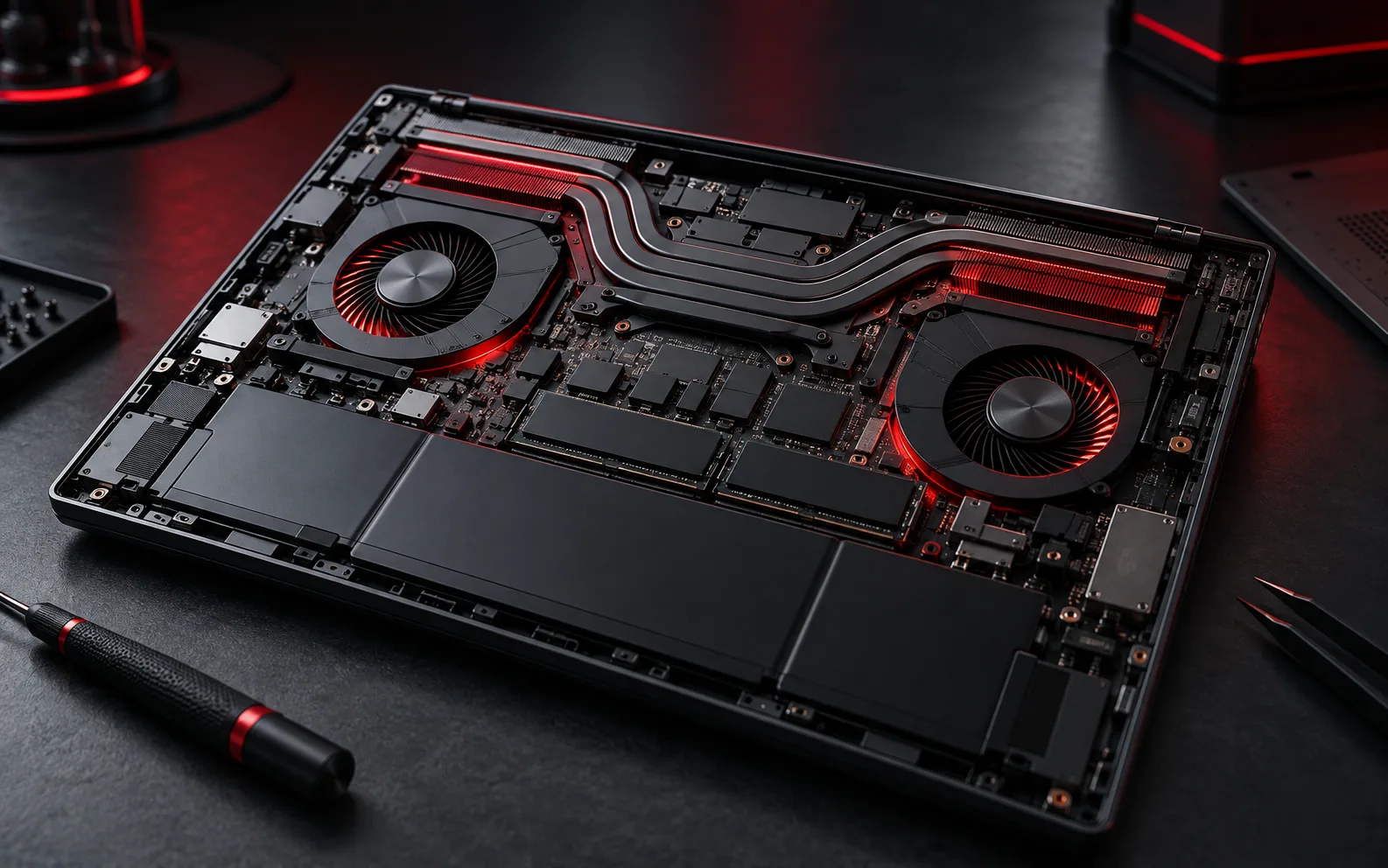
Distinguish warmth from a problem
A laptop can become warm during demanding tasks. More useful signs of a cooling problem include changed fan behavior, performance dropping unexpectedly or repeated shutdowns. Note the workload and whether the problem occurs on battery, while charging or in a particular location.
Keep airflow clear
Use the machine on a stable surface that does not cover its vents. Check externally for blocked openings and follow the manufacturer's cleaning instructions. Reduce unnecessary workloads and compare the result. Internal cleaning and cooling-system service depend on the model; avoid opening the device without the appropriate procedure.
Review software and diagnostics
Check which applications are using resources and obtain supported updates from the manufacturer. Use its diagnostic tools to investigate fan or thermal faults. A single temperature reading does not establish the cause, and repeatedly forcing a shutdown under load can make the situation worse. Report unusual smells or swelling and stop using affected equipment.
Build a useful service history
- Record the exact model and demanding tasks involved.
- Note whether the fan runs, rattles or has become unusually loud.
- Explain previous cleaning or repairs.
- Back up files while the machine is stable and discuss a controlled inspection if shutdowns continue.
For device-specific or current product instructions, see Dell: overheating and shutdown troubleshooting.
Need help with your own device?
Describe the problem with the model, symptoms and checks already tried. For related help, explore computer service or remote support.