


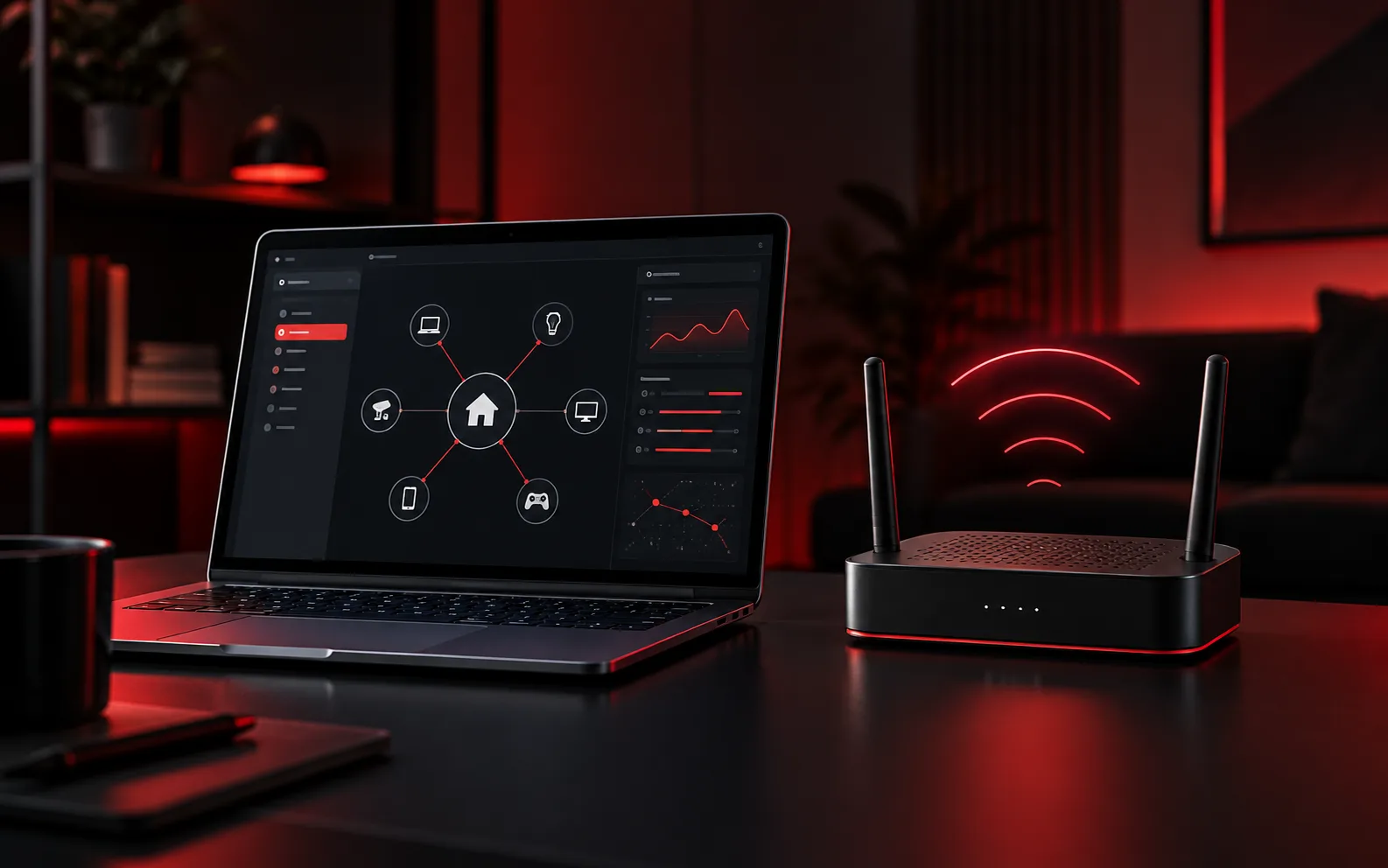
Find the scope of the slowdown
Compare more than one website and more than one device. If only one application is slow, its service or configuration may be the issue. If every device is affected, inspect the shared connection. Repeat measurements at a similar time and note whether downloads, cloud synchronization or streaming are running.
Separate Wi-Fi from the internet link
Test near the router and, when practical, compare with a wired connection. A good wired result alongside a poor wireless result points toward local Wi-Fi conditions. Keep the router in an open position and check for obstacles, distance and congestion. Move one variable at a time so the comparison remains useful.
Check the device and router
Review the wireless connection status and use the operating system's network troubleshooter. Obtain adapter drivers and router firmware from their official manufacturer. Restart shared network equipment at an agreed time because doing so interrupts other users. Avoid a factory reset until you know how to restore the connection settings.
What to send for diagnosis
- Device and router models, connection type and approximate distance.
- Results from wired and wireless comparisons.
- Whether other devices and websites are affected.
- The time of the problem and any recent network change.
For device-specific or current product instructions, see Microsoft: Wi-Fi troubleshooting.
Need help with your own device?
Describe the problem with the model, symptoms and checks already tried. For related help, explore computer service or remote support.